업무 자동화/VBA, VB.NET For Creo
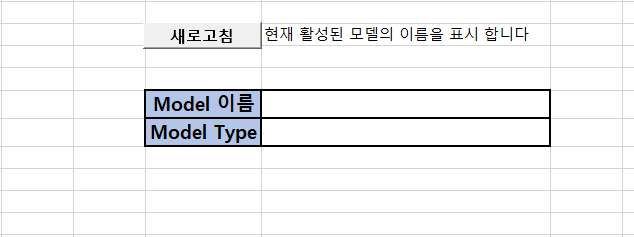
예제 코드) 활성화된 Session 파일 명 모델 타입 표시하기
ToolBOX01
2020. 12. 6. 07:28
반응형
□ File 정보
활성화된 Part, Assembly 파일 이름, 타입 표시하기 (Fammily Table Part, Assembly 모두 표시 가능)
▷ 코드
Sub session_model()
  Dim asynconn As New pfcls.CCpfcAsyncConnection
  Dim conn As pfcls.IpfcAsyncConnection
  Dim oBaseSession As pfcls.IpfcBaseSession
  Dim oModel As pfcls.IpfcModel
  Dim Session_Model As Long

  Set conn = asynconn.Connect("", "", ".", 5)
  Set oBaseSession = conn.session
  Set oModel = session.GetActiveModel()

  Range("E6").Value = oModel.Filename

  '// 0과 1로 파일 타입 표시
  Session_Model = Model.Type
  If Session_Model = 1 Then
      Range("E7").Value = "Part"
  Else
     Range("E7").Value = "Assembly"
  End If

  conn.Disconnect (2)
End Sub
 SESSION_MODEL_LIST.xlsm
0.02MB
SESSION_MODEL_LIST.xlsm
0.02MB
영업 문의 : lionkk@idt21c.com
반응형